A software walkthrough video shows a real product workflow in a way a viewer can follow, trust, and repeat. It is usually more practical than a broad product promo and more polished than an unedited screen recording. The best walkthroughs focus on one user goal, use realistic product footage, and explain what is happening without narrating every click.
HiLo Media creates software tutorial videos for SaaS products, apps, plugins, and technical platforms that need clearer onboarding, support, sales, and product training content. A walkthrough can stand alone, or it can sit inside a larger tutorial library, help center, launch campaign, or customer-success sequence.
What Is a Software Walkthrough Video?
A software walkthrough video is a guided video that shows how a user moves through a product, feature, setup flow, dashboard, report, integration, or task. It can be used for sales, onboarding, support, training, release education, or internal enablement.
The important difference is intent. A walkthrough should help the viewer understand a workflow. It should not feel like a menu tour, feature dump, or raw recording with a voiceover added later.
When to Use a Walkthrough
Use a walkthrough when the viewer needs enough context to understand the product experience, not just a single isolated instruction. Good use cases include:
- Product overview: show the main path a buyer or evaluator needs to understand.
- SaaS onboarding: guide new users through setup, first value, or a repeatable workflow.
- Feature education: explain a new or underused feature with a realistic task.
- Customer training: help existing users complete a workflow accurately.
- Sales follow-up: answer a common product question after a demo or discovery call.
- Help-center support: give users a video answer for tasks that are easier to see than read.
Software Walkthrough vs. Tutorial vs. Demo
The terms overlap, but they are not identical. Choosing the right format keeps the video useful.
| Format | Best use | Typical structure |
|---|---|---|
| Software walkthrough video | Show a practical product flow with context. | Goal, workflow, key decisions, finished state, next step. |
| Software tutorial video | Teach a specific task in detail. | Problem, step-by-step instruction, review, result. |
| App demo video | Present the product value quickly for buyers or app-store viewers. | Benefit, interface highlights, proof points, call to action. |
| Screen recording | Capture raw interface action. | Unedited or lightly edited product footage. |
If the goal is buyer understanding, compare the walkthrough with an app demo video. If the goal is training, plan it as part of a software tutorial video system.
How to Plan a Software Walkthrough Video
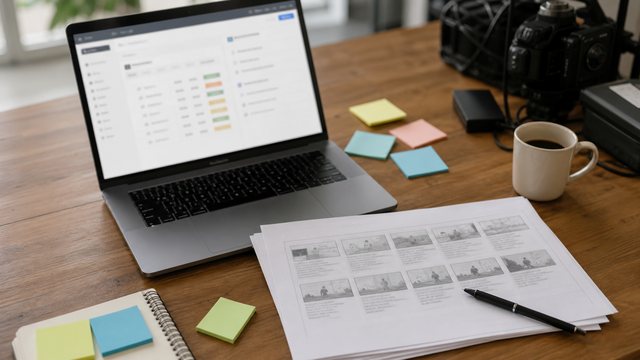
Start with the viewer and the task. A walkthrough for a first-time buyer is different from a walkthrough for an admin, support agent, finance user, implementation manager, or existing customer.
- Define the viewer: name the role, their familiarity with the product, and what they need to decide or complete.
- Choose one workflow: keep the video centered on one meaningful path instead of every feature.
- Prepare demo data: use realistic accounts, records, statuses, and names that support the lesson.
- Write the narration: explain why each step matters, not just where to click.
- Plan the screen capture: confirm browser size, zoom level, cursor behavior, privacy rules, and reset steps.
- Build in review: separate product accuracy, brand polish, captions, and final delivery checks.
The software tutorial video brief template, script template, storyboard template, screen recording checklist, and production checklist can all help turn the walkthrough into a repeatable production plan.
What Good Walkthrough Videos Include
Strong software walkthroughs usually include the same core ingredients:
- A clear viewer goal in the first few seconds.
- Realistic product footage instead of generic mockups.
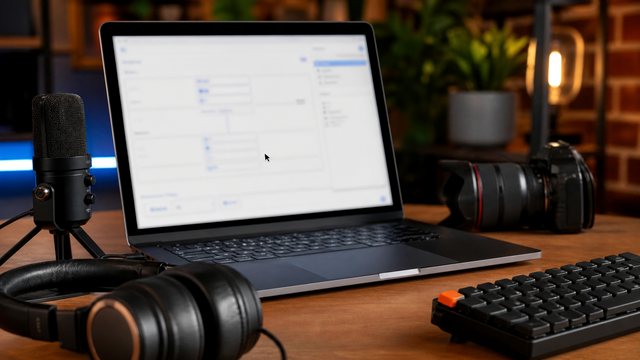
- Clean screen capture with readable interface details.
- Voiceover that explains decisions and context.
- Callouts, zooms, or highlights only where they help.
- Captions for accessibility, search, and localization.
- A final state that makes the workflow feel complete.
How Long Should a Walkthrough Video Be?
Most walkthrough videos should be as short as the workflow allows. A product overview walkthrough may work in 90 seconds to three minutes. A customer training walkthrough may run longer if the viewer expects a guided lesson. Complex products often work better as a series of shorter walkthroughs instead of one long video.
If the walkthrough supports a launch, see the feature release tutorial video guide. If it supports customer onboarding, see the SaaS onboarding videos guide.
Examples of Software Walkthrough Videos
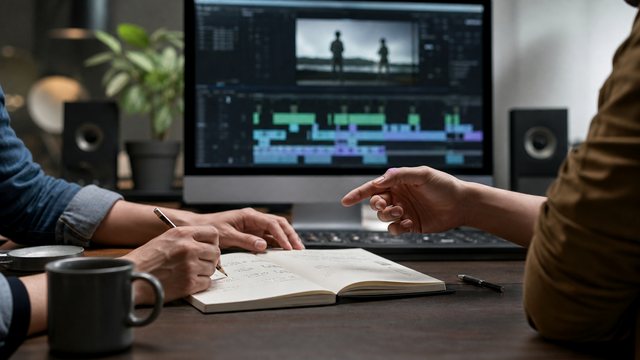
These HiLo Media projects show how walkthroughs and tutorials can adapt to different products and viewers:
- TreatAnyone Software Tutorial and Onboarding Video shows how an onboarding walkthrough can orient a user around a product workflow.
- CoStar Consolidated Listings Software Tutorial Video shows how B2B software training depends on practical workflow clarity.
- Banktivity 6 Tags Screencast Tutorial Video shows how a focused walkthrough can help users understand one feature task.
For more reference points, review the software tutorial video examples.
Captions, Localization, and Updates
Walkthrough videos often become part of onboarding, help-center, and training systems, so plan for future updates. Keep source files organized, avoid unnecessary date-specific claims, and decide whether the video needs captions, translated SRT files, localized voiceover, or dubbed on-camera content. The video localization guide explains the options.
Software Walkthrough Video FAQ
What is a software walkthrough video?
A software walkthrough video is a guided video that shows a product workflow, feature, setup path, dashboard, or user task with enough context for the viewer to understand and repeat the process.
How is a walkthrough different from a tutorial?
A walkthrough usually gives context for a product flow, while a tutorial teaches a specific task in more detail. Many software videos combine both formats, but the goal should be clear before scripting.
Are software walkthrough videos good for sales?
Yes, when they answer a real buyer question. A sales walkthrough should show the product experience and value clearly without trying to cover every feature.
Should a software walkthrough use real product footage?
Usually, yes. Real product footage builds trust and helps viewers understand the interface. Mockups or simplified screens can help when the product is still changing, but they should not misrepresent the experience.
Can walkthrough videos be localized?
Yes. Walkthroughs can be localized with translated captions, localized voiceover, or dubbed presenter footage. Plan pacing, terminology, and export needs before final edit.