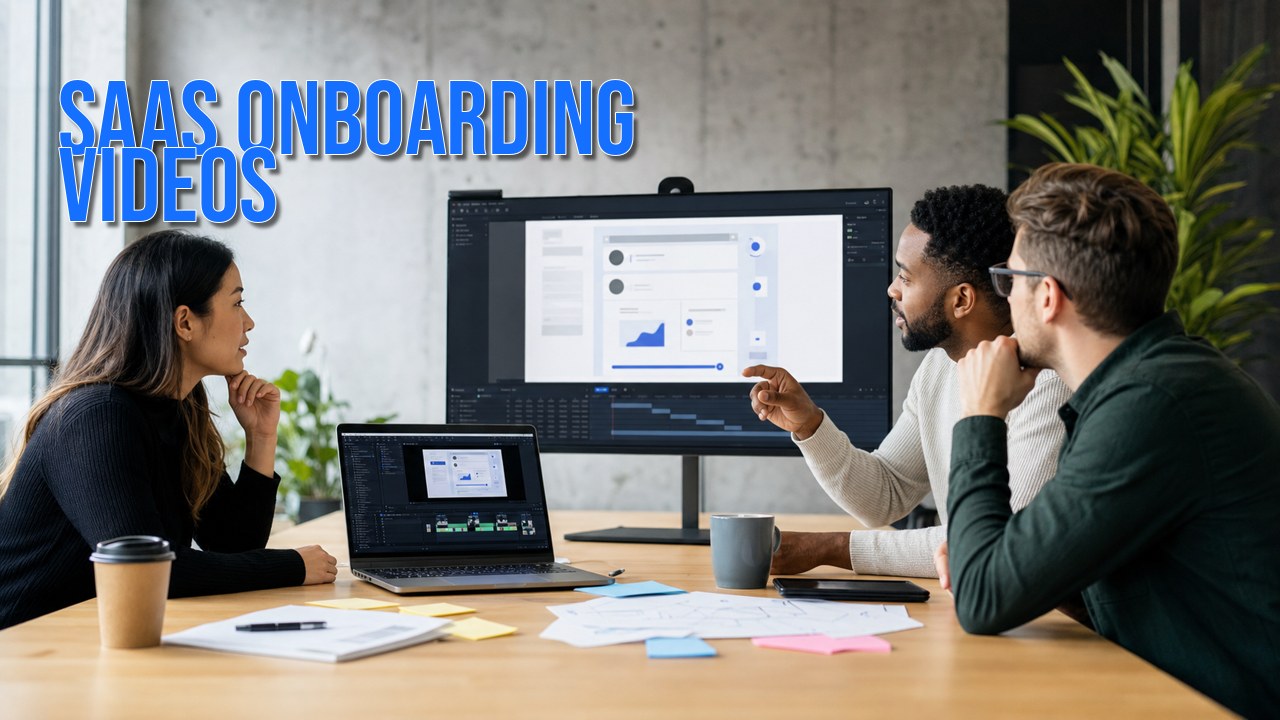
SaaS onboarding videos help new and existing users understand what to do next inside a product. They can include product walkthroughs, short feature tutorials, help-center videos, customer training clips, release-update videos, and in-app guidance. The strongest onboarding video systems are planned around real user tasks, not just a list of product features.
For software teams, onboarding video is most useful when it connects product education with customer success. A single polished overview may help on a landing page, but most SaaS products also need focused videos that answer specific questions during setup, activation, support, adoption, and renewal.
What SaaS Onboarding Videos Do
A SaaS onboarding video shows a user how to get from one product state to the next. That might mean setting up an account, inviting a teammate, connecting an integration, completing a first project, understanding a dashboard, or learning when to use a feature.
The goal is not to show every screen in the product. The goal is to make the next useful action obvious. That is why good onboarding videos usually focus on a workflow, role, or activation milestone instead of a broad product tour.
HiLo Media plans software tutorial videos around real product use, so the same asset can support onboarding, help centers, customer success, training, launch communication, and searchable product education.
Where Onboarding Videos Fit in the Customer Journey
Customer onboarding is not one moment. It starts before signup and continues through first value, feature discovery, account expansion, and support. Video can help at each stage when the topic benefits from demonstration.
- Pre-signup: show the product experience on a landing page, app page, sales email, or product-led demo.
- First run: guide setup steps, account configuration, user roles, integrations, imports, or first projects.
- Activation: explain the workflow that helps a user experience value quickly.
- In-app education: link short clips from tooltips, resource centers, modals, checklists, or onboarding emails.
- Help centers: pair videos with written documentation for tasks that are easier to show than describe.
- Customer success: give CSMs reusable videos for follow-up emails, training calls, renewal conversations, and adoption campaigns.
- Feature launches: explain what changed, why it matters, and how existing customers should use the new workflow.
When the asset is meant to support marketing as well as onboarding, related app demo videos or product-page cuts can be planned from the same capture and script system.

Common SaaS Onboarding Video Formats
Most SaaS teams do not need one long onboarding video. They need a useful set of short assets that match the questions customers actually ask.
Product Walkthrough Video
A product walkthrough introduces the product, audience, core workflow, and expected outcome. It is often useful for websites, sales follow-up, onboarding emails, and customer-success handoffs.
Screen-Recorded Tutorial
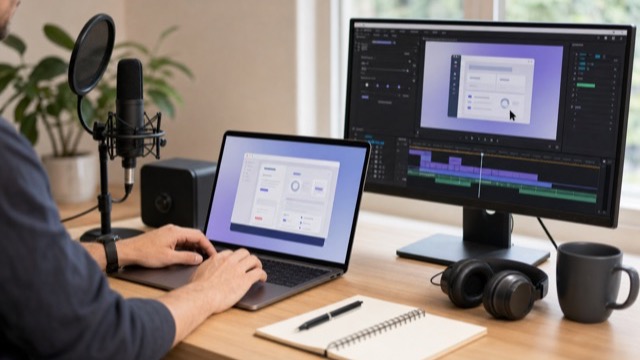
A tutorial focuses on one task and shows the exact workflow. Clear screen capture, readable UI, voiceover, captions, and restrained callouts matter more than decorative motion.
Feature Adoption Video
A feature adoption video explains why a feature exists, when to use it, and how to complete the workflow. These videos are useful for release notes, lifecycle campaigns, product education, and support follow-up.
Help-Center or Knowledge-Base Video
Help-center videos answer repeated questions that are easier to show visually. They should be named clearly, embedded near matching article copy, captioned, and easy for support agents to share.

Customer Training Lesson
Training videos can be longer when the viewer expects a lesson. They work well for admin roles, multi-step workflows, implementation teams, partner enablement, and enterprise onboarding.
Release-Update Video
Release videos help existing customers understand what changed. They can support launch emails, in-app announcements, changelog posts, webinars, YouTube, and customer-success campaigns.
How to Plan an Onboarding Video System
The best SaaS onboarding video systems start with customer behavior, not production style. Before scripting, identify the task, the audience, the moment of need, and the success state.
- Choose the user task: define the exact workflow the video should help someone complete.
- Define the success state: decide what the viewer should understand, do, or prepare after watching.
- Use real onboarding inputs: review support tickets, product analytics, customer-success notes, demo objections, search queries, and implementation questions.
- Script around decisions: explain why the user is taking each step, not just where to click.
- Capture clean UI: use stable demo data, realistic screen states, readable zoom levels, and consistent product terminology.
- Add callouts carefully: use labels, arrows, highlights, and motion only when they reduce confusion.
- Plan for updates: keep scripts, source captures, project files, captions, and voiceover notes organized so UI changes are easier to revise.
- Reuse intentionally: export versions for app, web, help center, email, sales, training, and YouTube only when those channels need them.
What to Prepare Before Production
A good software tutorial video production brief helps the video team avoid vague tours and focus on the customer moment that matters.
- Demo access, staged data, test accounts, user roles, and stable product environments.
- Target workflows, activation milestones, support-ticket themes, and feature-adoption priorities.
- Product terminology, brand guidelines, UI notes, release timing, and any restricted claims or compliance language.
- Reviewers from product, marketing, customer success, support, legal, brand, or training teams.
- Delivery channels such as in-app onboarding, help center articles, sales follow-up, customer training, launch pages, email, YouTube, or social clips.
- Preferred formats including landscape, vertical, square, captions, transcripts, chapter files, source handoff, and localization-ready video versions.
How Onboarding Video Connects to Product Marketing
SaaS onboarding videos are not only support assets. When planned well, they also help product marketing and sales because they make the product easier to understand before and after purchase.
An explainer video can clarify the market problem and product promise. An app demo can show the product in a marketing context. A software tutorial can teach the actual workflow. A customer onboarding library ties those assets together after someone signs up.
This is why the strongest approach is usually a small content system: one concise product story, several task-based tutorials, and a plan for updating videos as the product changes.
SaaS Onboarding and Software Tutorial Video Examples
These examples show how onboarding and software tutorial videos can help users understand complex product workflows, learn key tasks, and get more value from a SaaS product.
- TreatAnyone Software Tutorial and Onboarding Video: a direct onboarding and tutorial example for helping users understand a product workflow.
- CoStar Consolidated Listings Software Tutorial Video: a B2B software tutorial example focused on explaining a real product workflow clearly.
How HiLo Media Fits This Workflow
HiLo Media helps software, app, and technical product teams turn product knowledge into clear video content. That can include onboarding videos, product walkthroughs, feature tutorials, help-center videos, release-update clips, captions, localized assets, and versions for sales, support, customer success, YouTube, and training portals.
The practical work is production-aware: mapping workflows, writing scripts, recording clean UI, editing for pace, adding motion graphics where they help, coordinating review, and delivering reusable files that fit the channels where customers will actually watch.

SaaS Onboarding Video FAQ
What is a SaaS onboarding video?
A SaaS onboarding video is a product education video that helps users understand a software workflow, complete setup, reach first value, adopt a feature, or answer a common customer-success or support question.
How long should SaaS onboarding videos be?
Most SaaS onboarding videos should be short and task-specific. Many work well between 60 seconds and 3 minutes, while deeper customer training lessons can be longer when the viewer expects a guided module.
Should onboarding videos be in-app, in a help center, or on YouTube?
Use the channel that matches the viewer's need. In-app videos help during active setup, help-center videos support self-service, customer-success videos support follow-up, and YouTube can help when the topic has search or public education value.
What is the difference between a product walkthrough and a software tutorial?
A product walkthrough gives a broader overview of the product or workflow. A software tutorial usually teaches one specific task with more direct step-by-step instruction.
How do onboarding videos support customer success?
Onboarding videos give customer-success teams reusable explanations for setup, training, feature adoption, release communication, and follow-up after live calls. They also help keep guidance consistent across accounts.
How should teams update onboarding videos after product changes?
Plan for updates by keeping scripts, source captures, project files, voiceover notes, captions, and version history organized. Short task-based videos are usually easier to revise than one long product tour.
Should SaaS onboarding videos be animated or screen-recorded?
Most SaaS onboarding videos should include screen capture because users need to recognize the real product. Animation, motion graphics, device frames, or callouts can help explain context, flow, or emphasis around the screen recording.