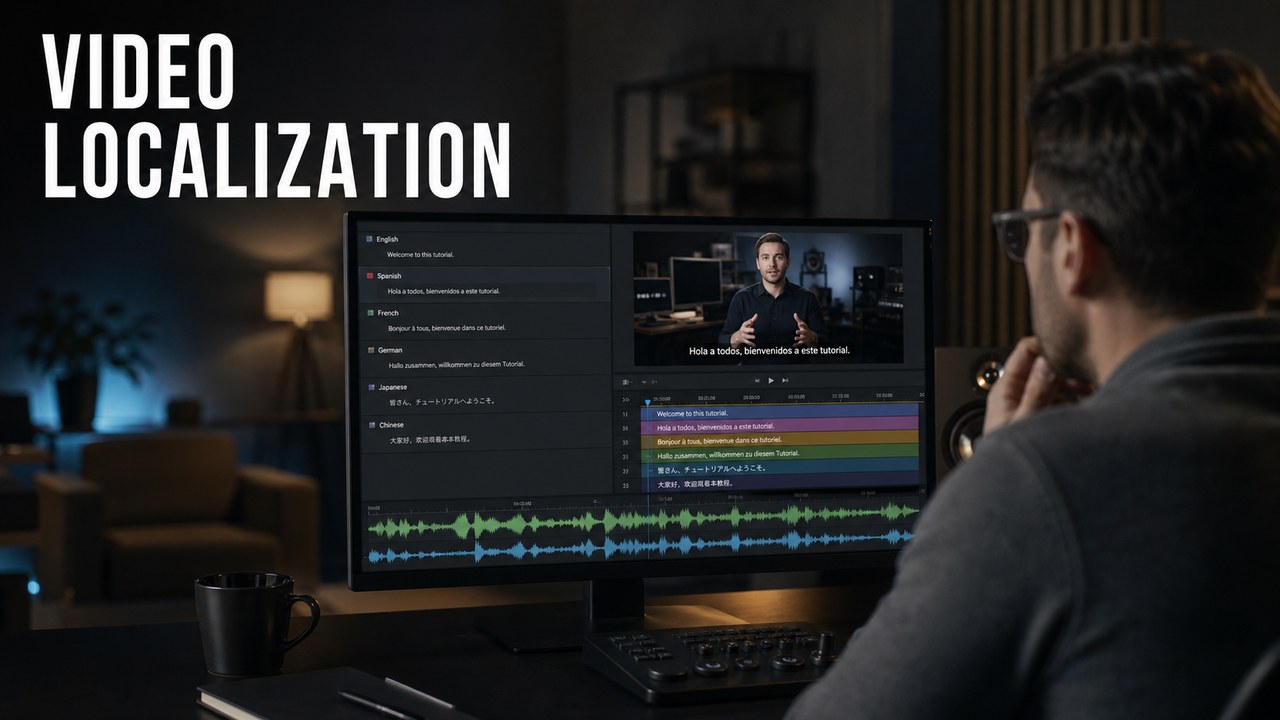
Video localization helps an English software tutorial or explainer video work for viewers in other languages. For HiLo Media, that usually starts with a clear English source video, then expands into translated SRT captions, localized AI voiceovers, or translated talking-head dubs with lip sync.
The right level depends on how the video will be used. A YouTube tutorial may only need multilingual captions. A customer training library may benefit from localized voiceover. A presenter-led course, announcement, or product walkthrough may call for translated talking-head dubbing that keeps the original speaker's voice and performance.
Three Levels of Video Localization
Most product video localization work fits into three practical levels. Each level adds more production value, but also more review and version control.
Level One: Multilingual SRT Captions
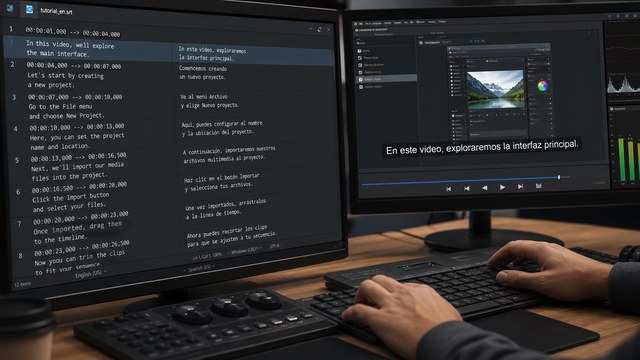
The simplest localization layer is a translated caption file. We create captions in SRT format so a client can upload them to YouTube or other video platforms and let viewers choose the language they need.
This works especially well for software tutorial videos, product explainers, help-center clips, release walkthroughs, and training videos where the English voiceover can remain in place.
Current AI translation tools are strong enough for many production caption workflows. With clear source language and product context, they can handle nuance, industry terminology, software terms, and tone at a level that is often comparable to human translation. The important part is not naming the tool; it is giving the translation enough context and checking the final captions in the video.
Level Two: Localized AI Voiceovers
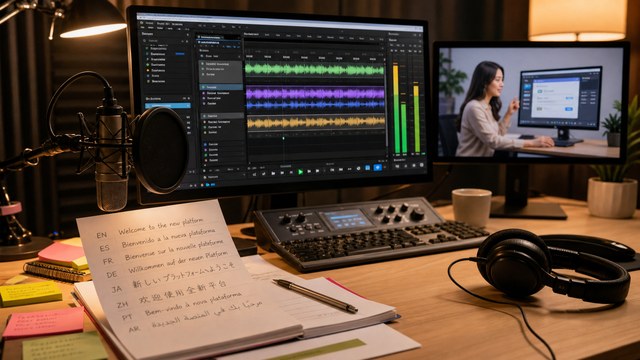
The next level is a fully localized voiceover. The English script is translated, reviewed for product meaning, then produced as a natural-sounding voiceover in the target language.
AI voiceover quality has improved dramatically. For many product and training videos, a well-produced AI voiceover can sound hyper-realistic and may not be recognizable as AI, even to native speakers. This makes localized voiceover practical for software tutorials, explainer videos, product training, customer onboarding, and multilingual support libraries.
Voiceover localization usually also requires timing adjustments. Some languages run longer than English, so captions, graphics, edit pacing, music, and pauses may need small changes to keep the video comfortable to watch.
Level Three: Talking-Head Dubbing and Lip Sync
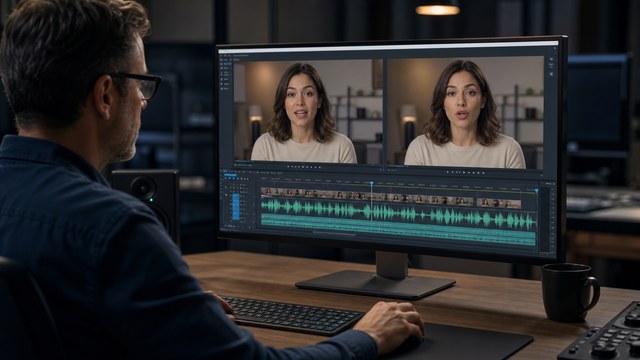
The most advanced level is translating on-camera talking-head content into another language while preserving the on-camera speaker's existing voice. AI dubbing and lip-sync tools can make the speaker appear to deliver the translated script naturally in the new language.
For the person on camera, it can feel strange to see their own face speaking a language they may not know. For viewers, the result can be nearly indistinguishable from a native-language recording when the script, voice, timing, and lip sync are handled carefully.
This approach can be useful for executive messages, instructor-led training, product updates, customer education, medical or technical explainers, and presenter-led software content where the human performance matters.
When Captions Are Enough
Translated captions are often enough when the video is short, the visuals are clear, and the audience can comfortably read while watching. They are also the most efficient first step when a client wants broad language coverage for YouTube or a help center.
Captions are a good fit for tutorials, product walkthroughs, app demos, release notes, social clips, and searchable YouTube content. They are also easy to update when terminology changes.
When Localized Voiceover Is Worth It
Localized voiceover is worth considering when the content has training value, a longer shelf life, or a viewer who should be able to listen rather than read. It is especially useful for step-by-step education, onboarding, sales enablement, partner training, and technical product videos.
Voiceover can also make localized content feel more respectful and polished. Instead of asking every viewer to read subtitles over an English narration, the video meets them in their own language.
When Talking-Head Localization Makes Sense
Talking-head localization makes sense when the person on screen is important to the video. That might be a founder, trainer, product expert, physician, executive, instructor, or customer-facing spokesperson.
This level is not necessary for every video. But when a presenter-led message needs to reach several markets, translated dubbing with voice preservation and lip sync can be much more effective than subtitles alone.
What to Prepare for Localization
A clean localization handoff saves time and prevents quality problems. The best inputs are the English source video plus the materials behind it.
- Final English video and any alternate aspect ratios.
- Approved English script or transcript.
- English SRT or VTT caption file when available.
- Product glossary, software terminology, brand terms, industry terms, and pronunciation notes.
- Editable project files for graphics, lower thirds, callouts, and text cards.
- Separate music, effects, and voiceover stems when available.
- Language list and platform requirements for YouTube, LMS tools, help centers, sales portals, or in-app embeds.
- Reviewers who understand the product and can confirm the localized version still teaches the correct workflow.

Localization for Software, Explainer, Medical, and YouTube Videos
Software tutorials need precise UI terminology. If the localized product has different labels, menu names, or workflow states, the captions and voiceover need to match what viewers actually see.
SaaS onboarding videos need consistency across help centers, customer-success emails, in-app resources, and training modules. Localization should support the same activation steps in each market.
Explainer videos often need script adaptation, not just direct translation. A localized explainer video should keep the original idea clear while making the examples and pacing natural in the target language.
Medical and healthcare videos need careful review for terminology, claims, patient or clinician context, and regulatory sensitivity. For medical video production, localization should have a clear approval path.
YouTube videos benefit from localized SRT captions, titles, descriptions, chapters, thumbnails, and playlist context. A localized YouTube video is easier to find when the surrounding metadata is also translated clearly.
Quality Control for Localized Videos
Localized videos should be reviewed as videos, not only as translated text. A caption can be accurate and still be too long. A voiceover can sound natural and still be mistimed. A lip-sync dub can look convincing and still use the wrong product term.
Review should cover timing, caption readability, voiceover pacing, pronunciation, on-screen text, UI terms, calls to action, export quality, and platform requirements. For training and product videos, the reviewer should also confirm that the localized version still teaches the correct workflow.
How HiLo Media Fits Video Localization
HiLo Media creates English software tutorial videos, product explainers, and training content, then can help clients extend those videos into localized versions for other markets.
That work can be as light as multilingual SRT caption files or as involved as localized voiceovers, translated talking-head dubs, lip-sync review, graphics updates, and channel-specific exports. The goal is practical: make the video useful in more languages without rebuilding the whole project from scratch.
The broader AI video for business workflow explains where synthetic voice, localization, generated footage, real product evidence, and professional finishing fit together.
Video Localization FAQ
What is video localization?
Video localization adapts an existing video for another language or region. It can include translated SRT captions, localized voiceover, dubbed talking-head video, lip sync, graphics updates, translated metadata, and platform-specific exports.
What is the first level of video localization?
The first level is usually translated captions or subtitles. For YouTube, that often means creating SRT caption files in as many languages as the client needs.
Are AI-translated captions good enough for client work?
In many cases, yes. Current AI translation tools can handle industry nuance, terminology, and tone very well when the English source is clear and the translation is reviewed in context.
When should a video use localized voiceover?
Localized voiceover is useful when the viewer should be able to listen in their own language, especially for training, onboarding, explainer, product education, and support videos with a longer shelf life.
Can AI voiceovers sound realistic?
Yes. Well-produced AI voiceovers can sound highly realistic and, in many cases, may not be recognizable as AI even to native speakers of the language.
Can talking-head videos be translated with the same speaker's voice?
Yes. AI dubbing tools can translate a talking-head video into another language while preserving the on-camera talent's voice and adjusting lip sync for the new language.
What files are needed to localize a video?
Useful files include the final English video, script, transcript, SRT captions, editable project files, audio stems, glossary, product terminology, pronunciation notes, language list, and delivery requirements.