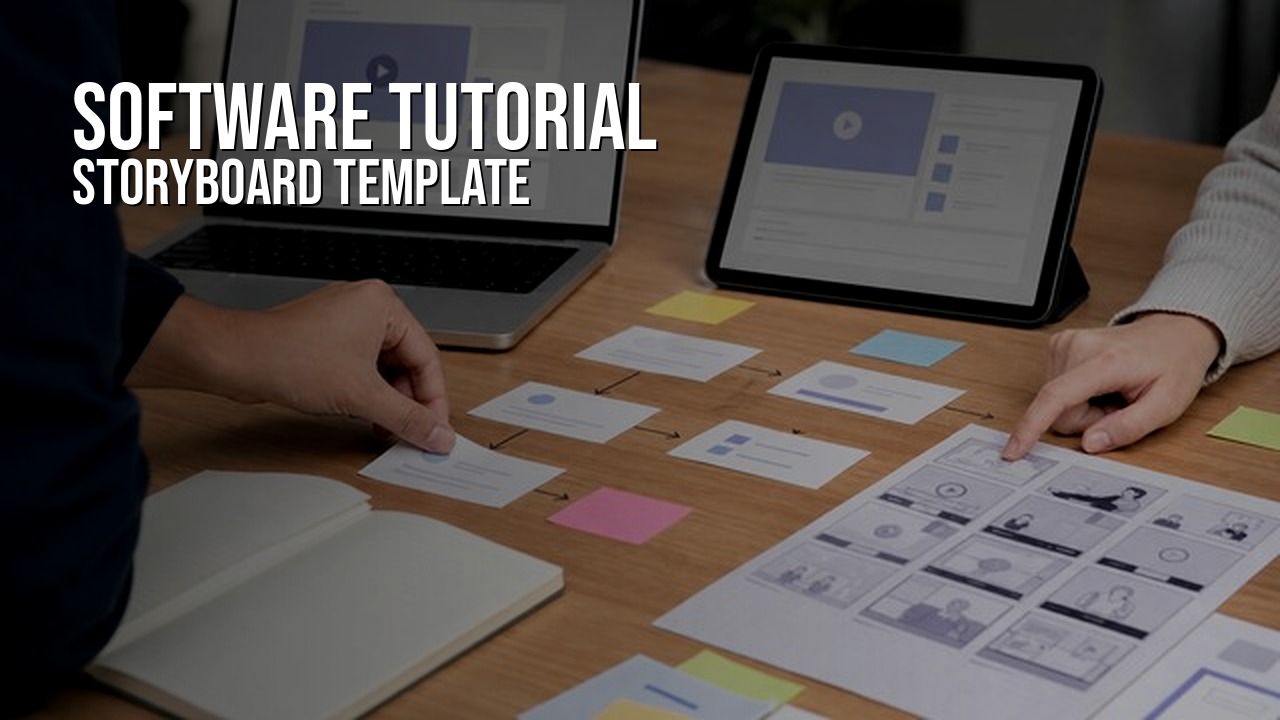
A software tutorial video storyboard template maps each step of a software workflow to the screen action, narration, callouts, and review notes the production team needs. It sits between the brief and the edit. The brief defines the viewer and scope. The storyboard turns that plan into a practical shot-by-shot guide.
Use this template for software tutorial videos, SaaS onboarding videos, product training videos, help-center clips, feature walkthroughs, and customer education videos. If the project is still being defined, start with the software tutorial video brief template. If you are writing narration, pair this with the software tutorial video script template.
Software Tutorial Video Storyboard Template
Copy this structure into a document or spreadsheet. Keep it simple enough for product, support, marketing, and production reviewers to use without needing a video-production background.
| Storyboard field | What to write | Why it matters |
|---|---|---|
| Scene | Number each beat in the workflow. | Reviewers can discuss one moment without rewriting the whole video. |
| Viewer goal | Name the job this scene helps the viewer complete. | The tutorial stays focused on the user's task, not every nearby feature. |
| Screen action | Describe the click, field, menu, screen state, or product result. | The capture team knows what must be visible and what can be skipped. |
| Voiceover | Write the narration or the main point the narrator needs to explain. | Voiceover should explain why the step matters, not just repeat the click. |
| Callouts | List highlights, labels, zooms, blur notes, or on-screen text. | Important UI details are easier to read when they are planned early. |
| Timing | Estimate how long the beat should take. | Pacing is easier to control before the edit becomes too long. |
| Review note | Name product terms, accuracy checks, legal concerns, or approval needs. | The right reviewer sees the right question at the right time. |
| Asset or export note | Flag captions, cutdowns, thumbnail frames, localized versions, or help-center embeds. | Delivery requirements affect framing, timing, and versioning. |
Start From the Approved Workflow
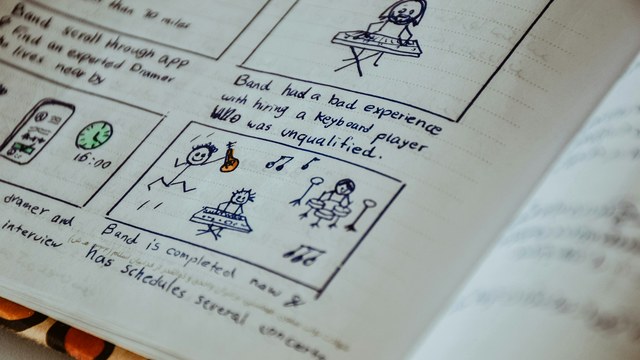
A storyboard should not be the first planning document. Start with a clear workflow, viewer, product state, and review path. The storyboard is where that approved plan becomes a sequence a viewer can follow.
For most software tutorials, the storyboard should answer four questions:
- What does the viewer need to do?
- What screen state do they need to see?
- What should the narration explain?
- What needs review before the edit is final?
Keep Each Scene to One Job
Software tutorials get confusing when one scene tries to teach several things at once. A scene can include more than one click, but it should usually serve one viewer job: create a record, invite a user, apply a filter, approve a request, export a report, or confirm a setting.
| Focused scene | Too broad |
|---|---|
| Show how to invite one new teammate and assign a role. | Explain account administration. |
| Show how to save a filtered report for later use. | Walk through the reporting dashboard. |
| Show how to approve a submitted request. | Explain the whole approval system. |
Write Screen Action Clearly
Screen action should be concrete. Write what appears on screen, what the viewer should notice, and what the completed state looks like. This helps the capture team avoid guessing during recording.
- Use real labels when the label matters.
- Call out fields that need safe sample data.
- Note any screen that needs a zoom, crop, blur, or pause.
- Include the success state so the viewer knows the task is complete.
- Keep optional branches separate unless they are essential to the lesson.
Voiceover and Callout Notes
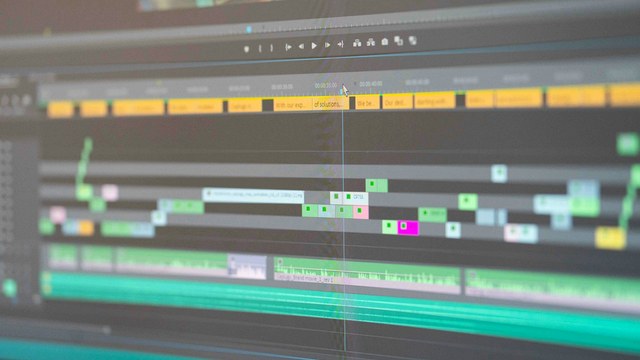
The voiceover column should explain the point of the step. The callout column should handle visual emphasis. Separating the two prevents narration from turning into a list of interface labels.
For example, the narrator might say, "Assigning a role controls what this teammate can see and edit." The callout might highlight the role menu and label it "Choose the right permission level." Those jobs support each other, but they are not the same thing.
Plan for Clean Screen Recording
A storyboard is also a capture checklist. If a scene needs a specific account role, sample record, browser width, product state, or reset step, include it before recording. A small note in the storyboard can prevent a full re-record later.
The screen recording checklist for software training videos covers the capture setup in more detail, including demo accounts, safe data, retakes, audio, and exports.
Build Review Into the Storyboard
The storyboard should make review easier, not heavier. Product reviewers can check whether the workflow is correct. Support or customer-success reviewers can check whether the explanation matches real user questions. Marketing can check voice and positioning. Final approval can focus on delivery.
- Product review: UI labels, workflow order, permissions, sample data, and final state.
- Customer review: whether the explanation answers the viewer's real question.
- Language review: voiceover, captions, product terms, and pronunciation.
- Delivery review: final video, captions, transcript, thumbnail frame, embed, and file names.

Storyboard Example
Here is a short example for a SaaS admin tutorial about inviting a new teammate:
| Scene | Screen action | Voiceover | Callout |
|---|---|---|---|
| 1 | Open Settings and choose Team. | Start in the Team settings area where admins manage access. | Highlight Team in the left navigation. |
| 2 | Select Invite teammate. | Use invitations when a new teammate needs access without sharing an existing login. | Label the invite button. |
| 3 | Enter a safe sample email address. | The email address determines where the invite will be sent. | Blur or use sample data only. |
| 4 | Choose a role from the permissions menu. | Roles control what this teammate can view, change, or approve. | Highlight the role menu. |
| 5 | Send the invite and show the pending status. | The pending status confirms the invitation has been created. | Pause on the confirmation state. |
Exports and Versioning
Storyboard notes should account for where the video will live. A help-center tutorial may need a transcript and quiet pacing. A sales follow-up clip may need a shorter version. A global customer base may need translated captions, localized voiceover, or dubbed on-camera content.
If localization is likely, plan for it before final export. The video localization guide explains how captions, AI voiceover, and translated on-camera content can fit into the production path.

Examples
These HiLo Media projects show different ways a software tutorial storyboard can be shaped around the product and viewer:
- TreatAnyone Software Tutorial and Onboarding Video shows how onboarding content can guide new users through a product workflow.
- CoStar Consolidated Listings Software Tutorial Video is a B2B tutorial example where practical workflow clarity matters.
- Banktivity 6 Tags Screencast Tutorial Video shows a focused feature tutorial built around one user task.
Related Planning Guides
For the full planning sequence, start with the software tutorial video brief template, move into this storyboard, then write narration and scene notes with the software tutorial video script template. For capture preparation, use the screen recording checklist; for the broader project plan, use the software tutorial video production checklist.
For broader examples, review the software tutorial video examples and the SaaS onboarding video guide.
Software Tutorial Storyboard FAQ
What is a software tutorial video storyboard?
A software tutorial video storyboard maps each scene to the screen action, narration, callouts, timing, and review notes needed to produce a clear software walkthrough.
How is a storyboard different from a script?
The script focuses on narration and scene direction. The storyboard adds the screen action, visual emphasis, timing, review notes, and delivery requirements for each step.
What should a software storyboard include?
A software storyboard should include scene numbers, viewer goals, screen action, voiceover, callouts, timing, product review notes, and export or localization notes.
Do software tutorials need a storyboard?
Short internal recordings may not need a formal storyboard, but customer-facing tutorials usually benefit from one because it reduces re-records and keeps product, support, and production reviewers aligned.
When should you create the storyboard?
Create the storyboard after the brief is approved and before final screen capture or editing. That is the point where the workflow is clear but still easy to adjust.