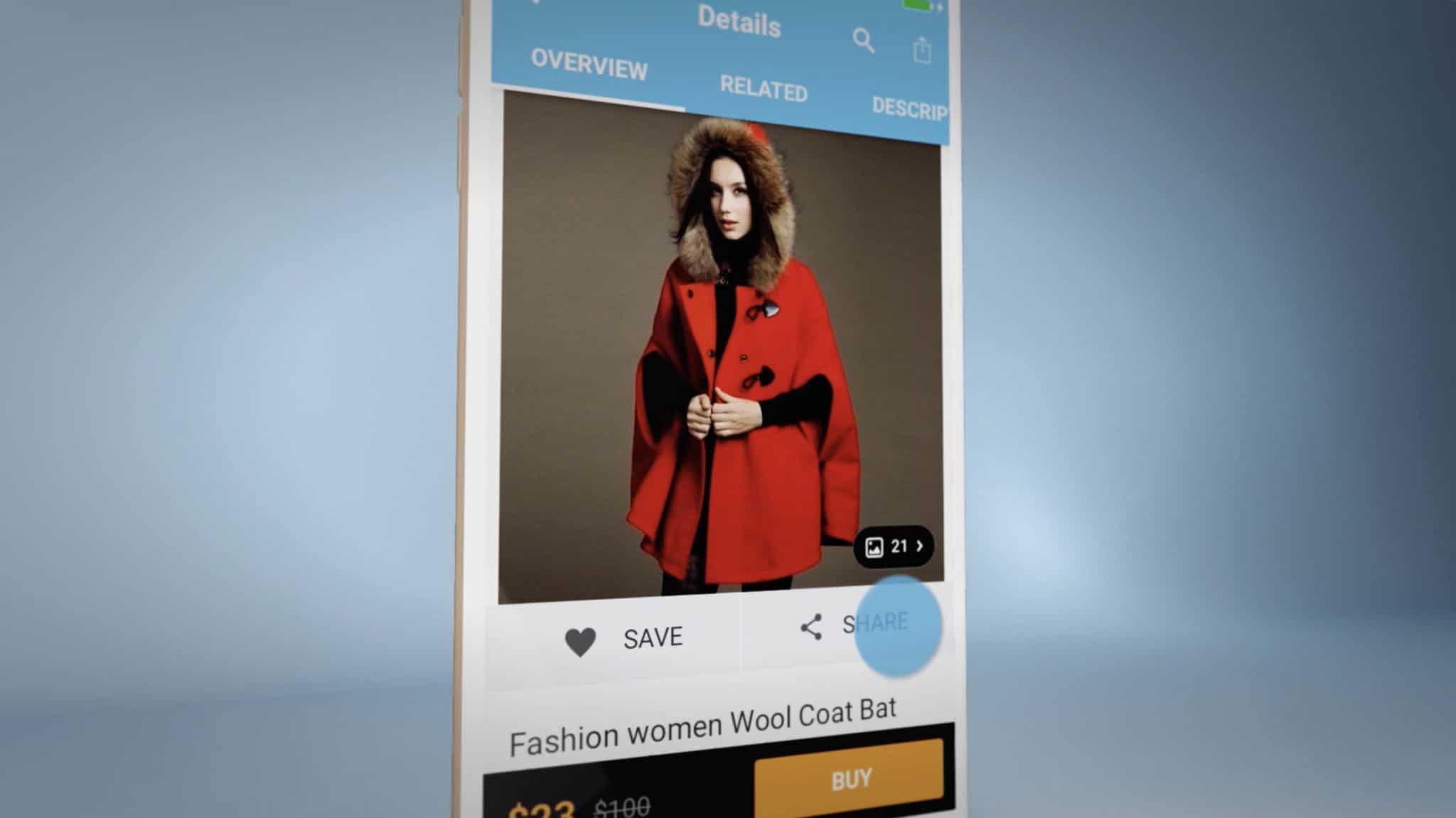
This archived Wish iOS app portfolio note is a reminder that app launch videos need to communicate quickly, visually, and in formats that make sense for social distribution. A social media ad has less time than a full product walkthrough, so the creative has to focus on the product moment that makes someone stop, understand, and take the next step.
For app teams, that usually means combining clean app footage, focused messaging, strong pacing, and enough motion design to make the value clear without burying the viewer in interface detail.
What an iOS App Social Ad Needs to Do
- Show the app quickly: the viewer should understand the category and core action within the first few seconds.
- Focus on one use case: social ads work best when they do not try to explain every feature.
- Use readable UI footage: screen capture, device frames, callouts, and motion should make the app easier to understand.
- Plan for silent viewing: captions and visual sequencing matter because many viewers see social video without sound.
- Export multiple versions: square, vertical, and widescreen edits may all be useful depending on the campaign.
How This Connects to App Demo Video Production
A short social ad can often be built from the same strategic work as a larger app demo video: product positioning, script, screen capture, animation, callouts, music, captions, and export planning.
HiLo Media helps app teams turn product stories into launch assets for app stores, websites, investor decks, social campaigns, YouTube, and sales conversations.
iOS App Social Ad FAQ
How long should an app social media ad be?
Most social app ads should be short and focused. Many work best in the 15 to 30 second range, with the main product moment appearing early.
Should a social app ad use real screen capture?
Usually yes. Real screen capture helps viewers understand the app, while motion design and callouts can make important actions clearer.
Can HiLo Media create app launch videos and social cutdowns?
Yes. HiLo Media can produce app demo videos, launch videos, App Store preview videos, social cutdowns, captions, and YouTube-ready versions.