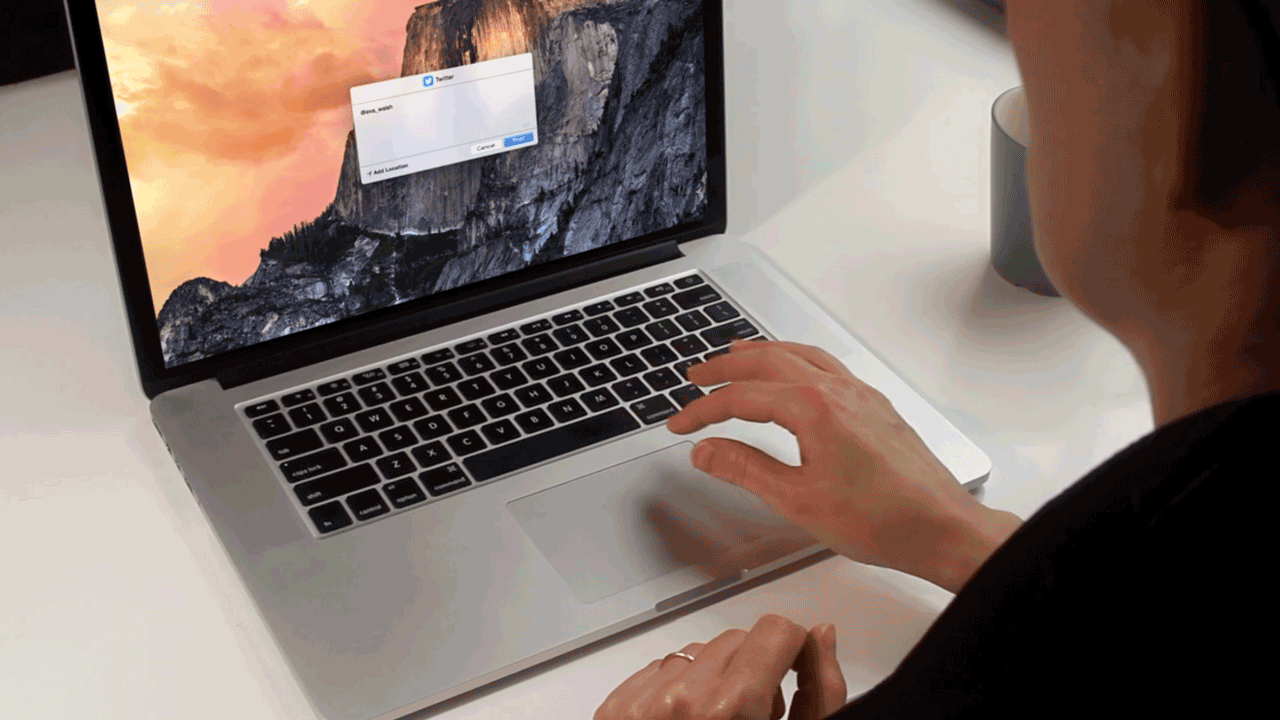
The LaunchBar 6 Mac app demo video shows how live action and crisp screen capture can work together in a software product video. HiLo Media's earlier daily app demo work introduced the team to many Mac developers, including Objective Development, the creators of LaunchBar.
For LaunchBar, the video needed to make a keyboard-driven productivity app feel understandable and visually engaging without losing the speed and precision that makes the product useful.
The Production Approach
The video mixed on-camera talent with screen captures of LaunchBar in action. The user interface was captured separately and composited onto a MacBook in the shot, with additional cutaways created on a 3D model of a MacBook.
That workflow kept the screens sharp, gave the edit more camera flexibility, and made it easier to show the product clearly while still feeling like a polished live-action piece.
Why Composited Screen Capture Works
- Readable screens: captured UI stays sharper than filming a monitor directly.
- Controlled timing: the product action can be matched precisely to the script and edit.
- Better camera movement: device shots and 3D scenes can use motion that would be difficult to repeat practically.
- More flexible revisions: screen content can often be updated without reshooting the full scene.
Mac App Demo Video Lessons
Mac and desktop apps often need more than a simple screen recording. The viewer may need to understand keyboard shortcuts, menus, fast actions, system integration, and workflows that happen quickly. A good app demo video slows the right moments down and keeps everything else moving.
HiLo Media can script, capture, composite, animate, edit, caption, and version app demo videos for Mac, iOS, SaaS, plugins, and technical products.
LaunchBar Demo FAQ
Why composite app screens instead of filming the device?
Composited screen capture usually keeps interface footage sharper, cleaner, and easier to revise than filming a screen directly.
Can Mac app demo videos include live action?
Yes. Live action can add context and personality while screen capture shows the actual product workflow.
Can HiLo Media create Mac app and desktop software videos?
Yes. HiLo Media can create Mac app demos, software tutorial videos, product walkthroughs, launch videos, and social cutdowns.