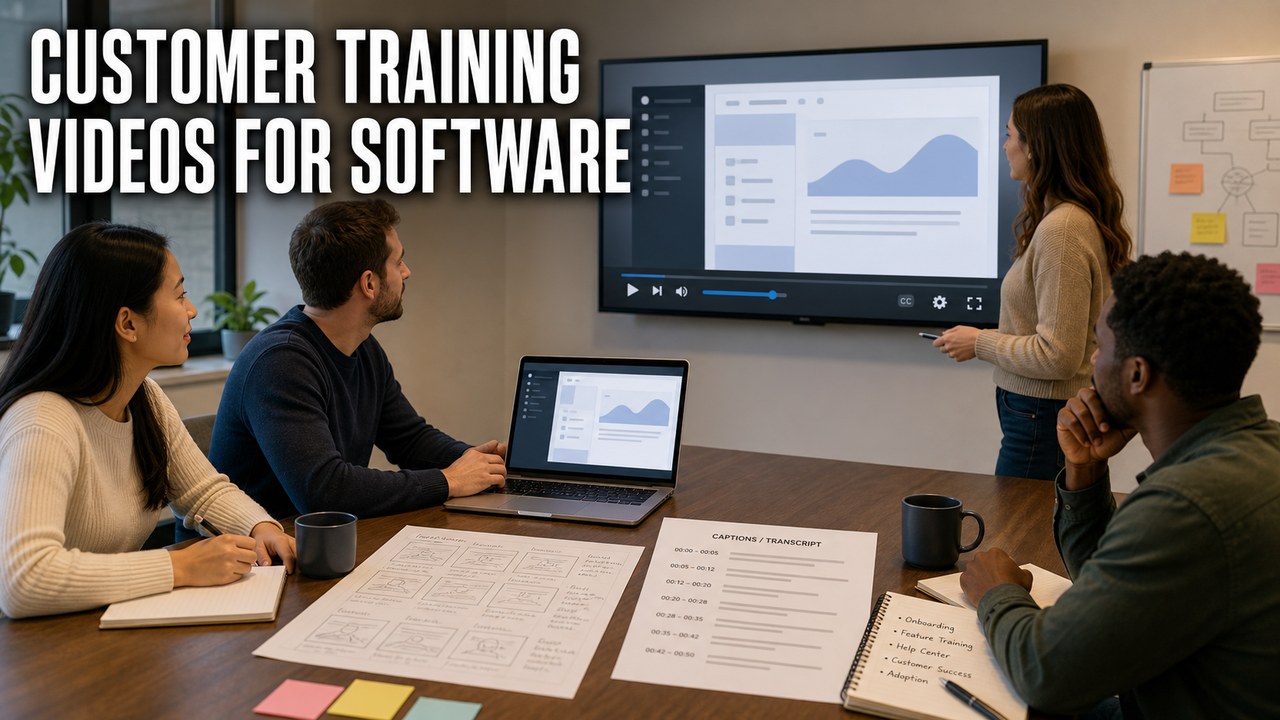
Customer training videos for software help users complete real tasks after they buy, sign up, or join a team. They are different from broad product promos because the goal is not simply to create interest. The goal is to help a customer understand the software well enough to keep moving.
For SaaS companies, apps, healthcare technology teams, finance tools, creative software, and B2B platforms, training videos can support onboarding, help centers, customer success, release education, and internal enablement.
What Customer Training Videos Do
A customer training video teaches one workflow clearly. That could be account setup, dashboard navigation, user permissions, data import, reporting, integrations, a billing workflow, or a feature that customers often miss. Use a software tutorial video script template to keep each lesson focused on one customer task.
HiLo Media produces software tutorial videos and SaaS onboarding videos for teams that need training content to feel polished without losing the practical detail that makes it useful.

Where Training Videos Fit
Customer training videos are most useful when they are built for the places customers already need help.
- Onboarding: teach the first actions that help a new user get value from the product.
- Help centers: pair video with written steps so users can scan, watch, and return later.
- Customer success: give CSMs a repeatable asset for common training calls.
- Feature launches: show the new workflow instead of relying only on release notes.
- Sales follow-up: answer product workflow questions after a demo.
- Internal training: help support, sales, and implementation teams explain the product the same way.
What to Teach First
Start with the tasks that affect activation, retention, and support. A training library does not need to cover everything on day one. It needs to cover the moments where customers hesitate, ask for help, or stop using the product.
- What does a new user need to do in the first session?
- Which support tickets repeat every week?
- Which features are valuable but underused?
- Which workflows are hard to explain in a sales call?
- Which setup steps create implementation delays?
- Which articles would be clearer with a video example?

How to Structure a Training Library
A strong training library is modular. Each video should answer one customer question, but the full set should guide a user from first setup to repeat use.
For example, a SaaS product might organize training videos into getting started, account settings, core workflows, team administration, reporting, integrations, and advanced tips. A creative app might organize around import, editing, export, presets, troubleshooting, and examples.
Captions and transcripts should be part of the system, not an afterthought. They support accessibility, search, support handoffs, and future localized captions or voiceover when the customer base expands.
Examples of Software Training Videos
Different products need different training choices. These examples show how tutorial work changes by audience and software type.
- TreatAnyone Software Tutorial and Onboarding Video shows how customer onboarding can explain a practical product workflow.
- CoStar Consolidated Listings Software Tutorial Video is a B2B tutorial example where the training needs to make a data-heavy workflow easier to follow.
- Banktivity Tags Screencast Tutorial Video shows why finance software training needs careful pacing, clean sample data, and precise terminology.
- FxFactory Wipeology Software Tutorial Video shows how creative software training must connect the technical steps to the visual result.
For a broader set, see our guide to software tutorial video examples.

Customer Training Video FAQ
What are customer training videos for software?
Customer training videos for software are short, focused videos that teach users how to complete important product workflows, usually for onboarding, support, feature adoption, or customer success.
How long should customer training videos be?
Most customer training videos should be as short as the task allows. A focused two-to-five-minute lesson is often better than a long product tour, but complex workflows may need a series of shorter chapters.
Should customer training videos be in a help center?
Yes. Help centers are one of the best homes for customer training videos because users can find the lesson at the moment they need it. The same videos can also support email, onboarding, webinars, and customer-success follow-up.
Can training videos reduce support load?
They can help when they answer repeated questions clearly and are placed where customers already look for help. The videos need accurate workflows, readable screens, captions, and easy-to-share links.
How should software training videos be localized?
A practical localization path is to start with translated SRT captions, then add localized voiceover when a market needs a more natural experience, and use talking-head dubbing when presenter footage must work in another language.