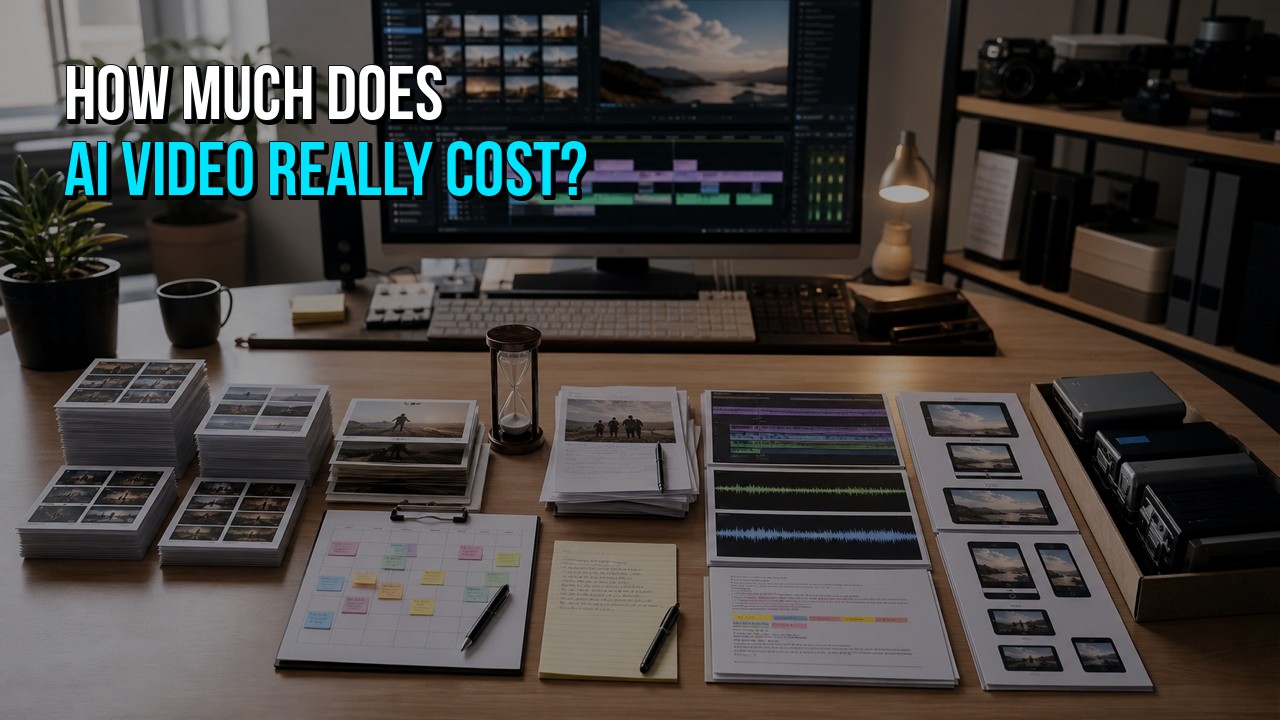
The cost of an AI video can range from the price of a self-service subscription to a professionally managed production budget. The tool fee is only the visible starting point. The true finished cost also includes generation credits, failed attempts, source assets, licenses, internal labor, editing, sound, voiceover, review, revisions, delivery versions, and future updates.
A useful budget should compare the cost of a ready-to-publish video, not the cost of creating one clip or accessing one platform.
For the complete planning, production, cost, and hiring framework, read AI Video for Business.
The Shortest Useful Cost Formula
Use this formula before choosing a production path:
True AI video cost = tools and credits + iterations + assets and licenses + internal labor + external production labor + review and revisions + delivery versions + update costs
Every project uses a different combination. A short avatar update may need one tool and minimal editing. A branded product video may use scripting, image generation, video generation, real product footage, voiceover, music, graphics, compositing, captions, and several channel versions.
Why the Advertised Price Is Not the Finished Price
AI-video services commonly advertise access by subscription, credits, generated seconds, exports, resolution, or feature tier. That tells you how the tool bills. It does not tell you how much approved footage you will obtain or how long the complete production will take.
The difference is similar to the difference between the cost of a camera and the cost of producing a video with it. Access to the tool is real value, but it is not the entire service.

The Eight Cost Categories to Include
1. Subscriptions and Platform Access
A project may use separate services for:
- research or script development;
- image generation;
- video generation;
- avatar or presenter creation;
- synthetic voiceover;
- audio cleanup;
- music;
- captions and translation;
- editing, motion graphics, compositing, or delivery.
Some tools can cover several functions. Others require a specialized service for the quality or control the project needs. Count monthly or annual commitments, not only the amount consumed by the final export.
2. Generation Credits and Resolution
Generated footage is often billed by credits, seconds, model, speed, resolution, or output type. A project may need additional credits for:
- higher-quality models;
- longer clips;
- higher resolution;
- reference-image or consistency features;
- lip sync or voice;
- extensions and variations;
- upscaling;
- object or shot replacement;
- additional aspect ratios.
The raw cost of a usable ten-second shot is not necessarily the cost of one ten-second generation. The first attempt may not be usable.
3. Failed Iterations
Iteration is one of the most overlooked costs.
A shot can fail because:
- the action is physically wrong;
- the subject changes between frames;
- the product or environment drifts;
- hands, faces, objects, reflections, or text contain artifacts;
- camera movement does not match the edit;
- the clip looks good but does not communicate the intended point;
- the framing cannot support captions or another aspect ratio;
- the style does not match the surrounding scenes.
Track both the credits and the time spent reviewing, adjusting prompts, preparing references, and organizing versions. A folder containing 100 generations may produce only a small number of approved shots.
4. Source Assets and Licenses
The final video may also need:
- stock video or photography;
- music and sound effects;
- fonts;
- icons or illustrations;
- voice talent;
- model or location releases;
- product photography;
- screen capture;
- 3D assets;
- customer or employee footage;
- brand files;
- translation or language review.
Verify that each supplied and generated element can be used for the intended commercial purpose. The cost of replacing an asset after review can be higher than checking the terms before editing.
5. Internal Labor
Calculate the time spent by everyone inside the company, including:
- marketing and product staff preparing the brief;
- a writer creating or correcting the script;
- someone learning and testing the tools;
- a designer creating references;
- a producer organizing generations and source files;
- an editor assembling and revising the video;
- subject-matter experts checking product accuracy;
- managers and executives reviewing versions;
- staff preparing captions, uploads, thumbnails, and channel versions.
Use the team's actual loaded hourly cost or a reasonable internal rate. Do not treat staff time as free simply because it does not create an external invoice.
6. Professional Production and Finishing
A business may hire a freelancer, editor, animator, sound specialist, voice actor, AI-video artist, or production company for part or all of the work.
Professional services may include:
- strategy and creative direction;
- script development;
- storyboards and scene planning;
- reference and prompt development;
- generation and asset management;
- screen or product capture;
- animation and motion graphics;
- editing and compositing;
- voiceover and sound;
- captions and localization;
- project management and review;
- final delivery and source organization.
The price reflects the complexity and responsibility of the finished project, not only the number of generated seconds.
7. Review, Revisions, and Delivery Versions
Budget for the real approval process.
Questions that affect cost include:
- How many stakeholders must approve the script and edit?
- Does product, legal, compliance, or leadership need a separate review?
- How many revision rounds are included?
- Does feedback arrive together or in several waves?
- Are alternate openings, runtimes, calls to action, or languages required?
- Does the video need 16:9, 1:1, 4:5, and 9:16 versions?
- Are captions, clean versions, thumbnails, transcripts, and stills required?
Versions are less expensive when they are planned before production. A vertical crop may require different framing, type scale, shot selection, and timing rather than a simple export setting.
8. Updates and Reuse
The lowest initial cost is not always the lowest long-term cost.
Consider:
- whether the script will need regular updates;
- whether the product interface changes frequently;
- whether the voice or presenter can be updated consistently;
- whether source files and generation references will be preserved;
- whether the visual system can support a series;
- whether new languages or channel versions are likely;
- whether the rights remain valid for continued use.
A well-organized project can make future versions more affordable. An undocumented experiment may need to be rebuilt.
Four Common Budget Paths
Instead of relying on one broad price range, identify which production path describes the project.
Path 1: DIY Template or Avatar Video
Lowest cash cost; potentially moderate internal time.
Best for:
- internal updates;
- simple training;
- repeatable announcements;
- content with an accepted template format;
- teams that already know the platform.
Budget for subscription access, brand setup, script review, voice pronunciation, captions, staff time, and exports.
Path 2: DIY Generated Marketing Video
Low-to-moderate cash cost; potentially high internal time and iteration.
Best for:
- concepts and experimentation;
- short social content;
- teams with editing and creative skills;
- projects where visual inconsistency carries little risk.
Budget for multiple tools, credits, unsuccessful generations, reference development, editing, graphics, sound, and rights review.
Path 3: Professional Finish of an Existing AI Draft
Focused external cost; preserves useful internal work.
Best for:
- a draft that has the right idea but feels generic;
- generated clips that need structure;
- weak voice, sound, graphics, or pacing;
- inconsistent shots that can be selectively replaced;
- projects that need channel-ready exports.
Budget is driven by how much can be kept, repaired, replaced, or rebuilt. Providing source clips, prompts, voice tracks, scripts, and project files can reduce unnecessary reconstruction.
Path 4: AI-Assisted Professional Build
Managed project cost; lowest internal production burden.
Best for:
- public-facing marketing and product videos;
- complex messages;
- exact product or software requirements;
- distinctive brand work;
- multiple reviewers and versions;
- a repeatable series.
The production partner chooses where AI improves efficiency and where screen capture, product footage, stock, animation, voice talent, or live action is stronger.
AI Video Cost Comparison Worksheet
Use a simple table before deciding whether to keep the project internal.
| Cost item | DIY estimate | Professional or hybrid estimate | Notes |
|---|---|---|---|
| Script and brief | Include staff and stakeholder time. | ||
| Tool subscriptions | Count commitments required for the project. | ||
| Generation credits | Estimate approved footage, not one attempt per shot. | ||
| Reference development | Style frames, product references, subject continuity. | ||
| Stock, music, voice, fonts, licenses | Include commercial-use review. | ||
| Screen or product capture | Include setup, safe sample data, retakes, and cleanup. | ||
| Editing and motion graphics | Include structural editing, type, compositing, and versions. | ||
| Sound and captions | Include voice cleanup, mix, music, effects, and caption review. | ||
| Internal production hours | Use a real internal hourly cost. | ||
| Stakeholder review | Count meetings and separate feedback rounds. | ||
| Revisions | Estimate likely changes, not only the ideal path. | ||
| Delivery versions | Website, YouTube, social, vertical, square, clean, captions. | ||
| Future updates | Product changes, new languages, new CTAs, new formats. | ||
| Total ready-to-publish cost | Compare the same finished deliverables. |

Example: The Tool Is Cheap, but the Project Is Not
Imagine a company needs a 60-second product video. The generator subscription is already available, so the team initially records the cash cost as zero.
The project still requires:
- product and marketing staff to create the brief;
- a script draft and several rounds of corrections;
- visual references for the product and environment;
- dozens of generated clips to obtain the approved selects;
- real interface capture because generated screens are inaccurate;
- an editor to structure the story;
- replacement graphics for generated text;
- voice and pronunciation review;
- music, sound, captions, and final mix;
- leadership feedback and two channel versions.
The subscription remains inexpensive. The production has a meaningful cost because people must turn the tool output into a business asset.
How to Reduce AI Video Costs Without Lowering Quality
Approve the Message Before Generating
Do not create dozens of scenes for a script that is still changing. Align the audience, key point, runtime, and call to action first.
Use the Right Method for Each Shot
Do not force generated footage to depict an exact product or interface when screen capture, product imagery, 3D, stock, or simple motion graphics will be more accurate and faster.
Develop References Early
A small approved style and continuity guide can reduce repeated generations and prevent different scenes from drifting apart.
Generate to the Edit
Create the specific shot length, framing, action, and safe area the scene needs. Do not generate a library without knowing how each asset supports the script.
Use Temporary Voice and Music During Structure Reviews
Confirm the edit before paying for or locking the final voice, music, sound, or localization.
Consolidate Feedback
Ask the client or internal team to provide one reviewed set of notes at each stage. Conflicting or sequential feedback creates avoidable rework.
Plan Versions at the Beginning
Frame shots and graphics for the required aspect ratios. Decide which scenes can be shared and which need alternate crops or layouts.
Keep Source Material Organized
Save approved prompts, seeds or references where available, source clips, voice files, captions, graphics, licenses, and editable project files. Future updates should not require rediscovering how the video was made.
When Is Professional Help More Affordable?
Professional help can be the more economical path when:
- the internal team is learning several tools for one project;
- many generations fail before an acceptable shot appears;
- a product or interface must be shown accurately;
- the draft needs extensive editing, compositing, graphics, or audio work;
- several senior employees are reviewing repeated versions;
- the video supports a launch or paid campaign with a meaningful opportunity cost;
- the company needs a repeatable production system;
- the project has stalled and nobody owns completion.
A professional finishing scope can also be narrower than a complete production. HiLo Media can review the existing material and recommend what to keep, repair, replace, or rebuild.
Explore AI video production and finishing.
Projects built around accurate screen capture can also use HiLo Media's software tutorial video production.
Send HiLo Media your idea, source material, or current AI-video draft for a practical recommendation based on what the project actually needs.
FAQ
How much does it cost to make an AI video yourself?
The direct cost may begin with a subscription or generation credits. The complete DIY cost also includes unsuccessful generations, additional tools, assets, licenses, internal labor, editing, review, revisions, versions, and future updates.
Why do AI video costs vary so much?
“AI video” can describe a simple avatar update, a short generated social clip, a polished marketing video, a product demo, a training library, or a multi-version campaign. Runtime, visual complexity, continuity, accuracy, voice, editing, reviews, and deliverables all change the scope.
Is the cost based on finished minutes?
Sometimes, but finished runtime alone is a weak predictor. A short video with exact products, consistent characters, custom motion graphics, difficult actions, or many versions may require more work than a longer template-based video.
Does an AI video still need an editor?
Simple template or internal videos may not. Public-facing videos often benefit from an editor who can control the story, continuity, pacing, graphics, audio, captions, and delivery versions.
Can I lower the price by making the first draft myself?
Often, yes, when the draft clarifies the message or contains usable assets. Send the export, source clips, prompts, references, script, voice track, brand files, and project file so the professional scope can preserve what works.
How can I get an accurate estimate for professional finishing?
Provide the current draft, original assets, intended runtime, audience, deadline, required fixes, review process, and delivery formats. The estimate should separate material that can be kept or repaired from scenes that need replacement or rebuilding.