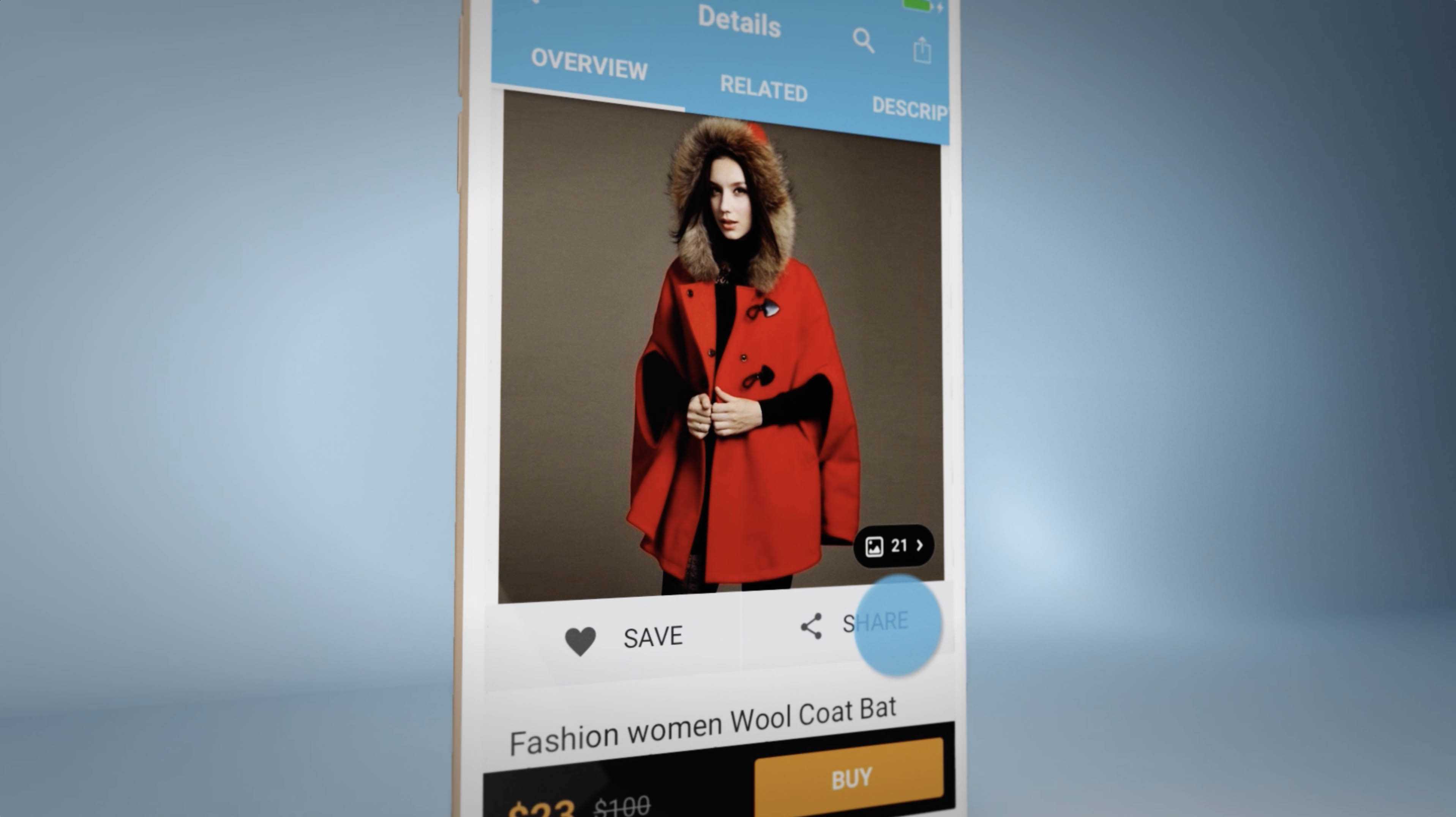
An app demo video can cost a few thousand dollars for a focused screen-based edit, or much more for a polished launch package with scripting, animation, voiceover, multiple cutdowns, localization, and App Store deliverables. The right budget depends less on the runtime alone and more on what the video needs to prove, where it will be used, and how many final versions your team needs.
If you are pricing an app launch, start by deciding whether you need one simple product walkthrough or a complete app marketing video system. HiLo Media produces app demo videos for websites, App Store pages, paid ads, product launches, onboarding, and sales conversations.
What Affects App Demo Video Cost?
App demo video pricing is usually shaped by scope, product complexity, asset quality, and delivery requirements. Two videos can both be 60 seconds long and still require very different production budgets.
Script and Message Strategy
A simple edit from an approved script costs less than a project that needs positioning, structure, feature prioritization, and multiple stakeholder reviews. If the app has a complex workflow, the script often needs more planning so the video explains the product without becoming a feature tour.
Screen Capture and Demo Data
Clean app footage matters. Some teams can provide approved screen recordings. Others need help preparing demo accounts, recording product flows, rebuilding screens, hiding private data, or capturing multiple devices and orientations. That production planning affects the budget.
Animation and Motion Graphics
Basic app demos may use screen capture, titles, callouts, and light motion. More polished videos may add animated device frames, interface highlights, custom transitions, illustrated scenes, charts, 3D elements, or product-story sequences. The more custom the animation, the more time is required.
Voiceover, Music, Captions, and Sound
Professional voiceover, licensed music, captions, sound design, and audio cleanup can make the video feel finished. They also add coordination and review steps, especially when scripts need legal, product, or brand approval.
Deliverables and Versions
A single website video is simpler than a package that includes widescreen, vertical, square, silent autoplay, paid social cutdowns, sales clips, App Store previews, Google Play assets, thumbnails, and localized versions.
Typical App Demo Video Budget Ranges
These are practical planning ranges, not fixed quotes. The final cost depends on the specific app, available assets, creative direction, and number of deliverables.
- Focused screen-based demo: A concise product walkthrough using clean app footage, simple callouts, light editing, music, and captions. This is often the most efficient path for early-stage products or targeted feature videos.
- Polished launch demo: A more produced app demo with scripting, professional voiceover, motion graphics, device framing, custom pacing, and versions for the product page, sales, and social channels.
- Full app video campaign: A coordinated package with a main demo, App Store preview videos, ad cutdowns, onboarding clips, captions, thumbnails, localization planning, and multiple export formats.
The best way to control cost is to decide which tier fits the business goal. A video meant to validate a feature may not need the same budget as a launch asset for paid acquisition and investor presentations.
How to Plan an App Demo Video Budget
Before asking for a quote, gather the details that shape the production plan:
- The primary audience: downloaders, trial users, buyers, investors, support users, or internal teams.
- The main action you want viewers to take after watching.
- The product flows, devices, and features that need to appear.
- Whether the app interface is final enough to record.
- Any required formats, aspect ratios, languages, captions, or platform specs.
- Examples of videos you like, plus examples you want to avoid.
- Your timeline, launch date, and review process.
Those details let a production partner recommend the right scope instead of guessing from runtime alone.
Ways to Keep App Demo Video Costs Under Control
App demo video budgets usually grow when the scope is unclear or assets are not ready. You can reduce waste by approving the message before editing begins, preparing clean demo data, limiting the first version to the strongest use case, and planning related cutdowns up front.
It also helps to separate must-have deliverables from nice-to-have deliverables. For example, you may need one main app demo and one vertical social cutdown now, while localized versions and additional tutorial clips can follow after the launch.
Where App Demo Videos Fit in App Marketing
A strong app demo video can support more than one channel. The same production plan can feed your website, App Store listing, paid social, product launch email, onboarding sequence, help center, investor deck, and sales follow-up. For app teams comparing launch assets, our guide to optimizing App Store videos explains how to plan hooks, captions, poster frames, and localization.
App Demo Video Budget FAQ
How much does an app demo video cost?
App demo video cost depends on the scope, style, script needs, screen capture, animation, voiceover, captions, review process, and number of deliverables. A focused screen-based demo is usually less expensive than a full launch package with multiple versions and custom motion graphics.
What is included in an app demo video budget?
A typical app demo video budget may include discovery, scripting, screen capture planning, editing, motion graphics, callouts, voiceover, music, captions, revisions, export versions, and project management. The exact inclusions should be defined before production starts.
Is a shorter app demo video always cheaper?
Not always. Runtime matters, but complexity matters more. A short video with custom animation, multiple devices, localization, and ad cutdowns can require more work than a longer but straightforward screen recording.
Can HiLo Media work within a fixed app demo video budget?
Yes. HiLo Media can shape the scope around a target budget by prioritizing the most important product story, choosing the right production style, and separating essential launch deliverables from later cutdowns or tutorial assets.